A digital matrix for delivery & O&M.
From design to inspection and governance, we turn complex workflows into reliable software for global teams.
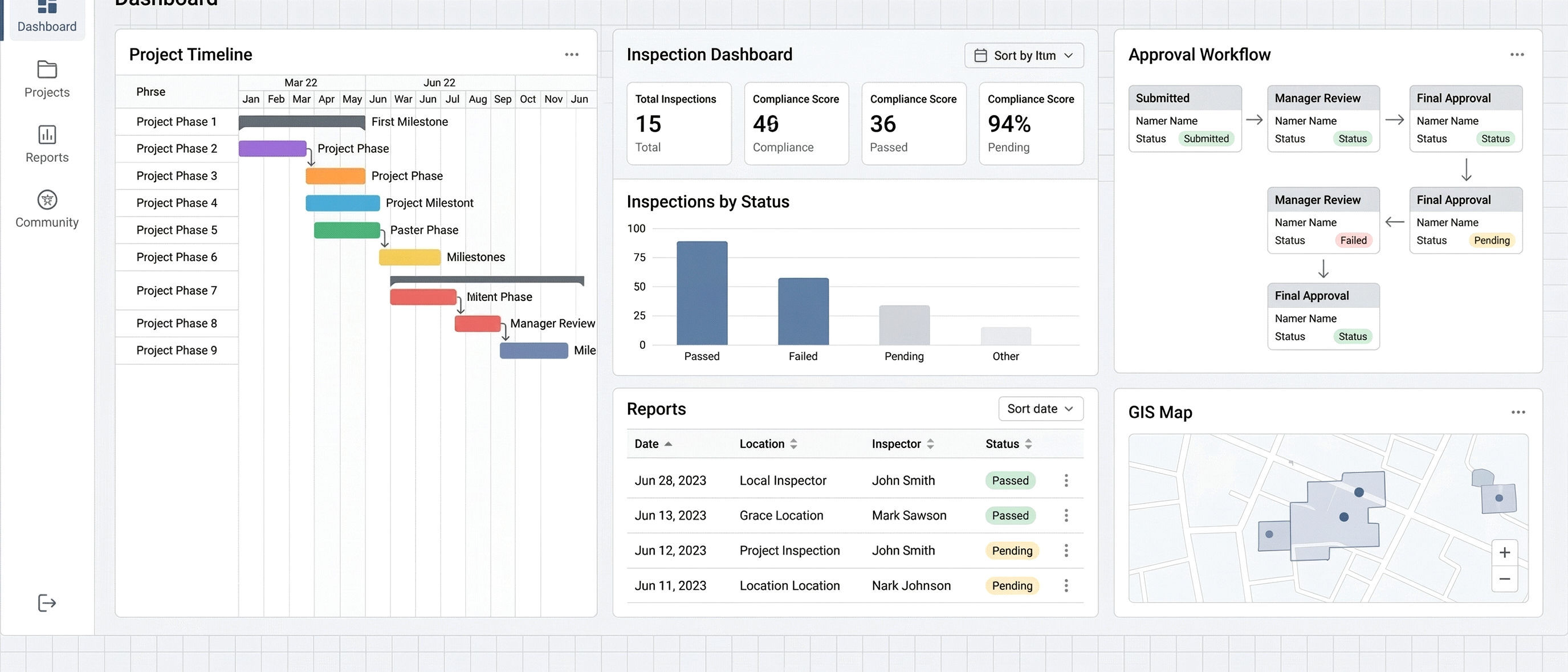
Trusted across operators, cloud leaders, and critical infrastructure.
Monochrome wordmarks, unified for a calm and professional presentation.









Capability built for real delivery.
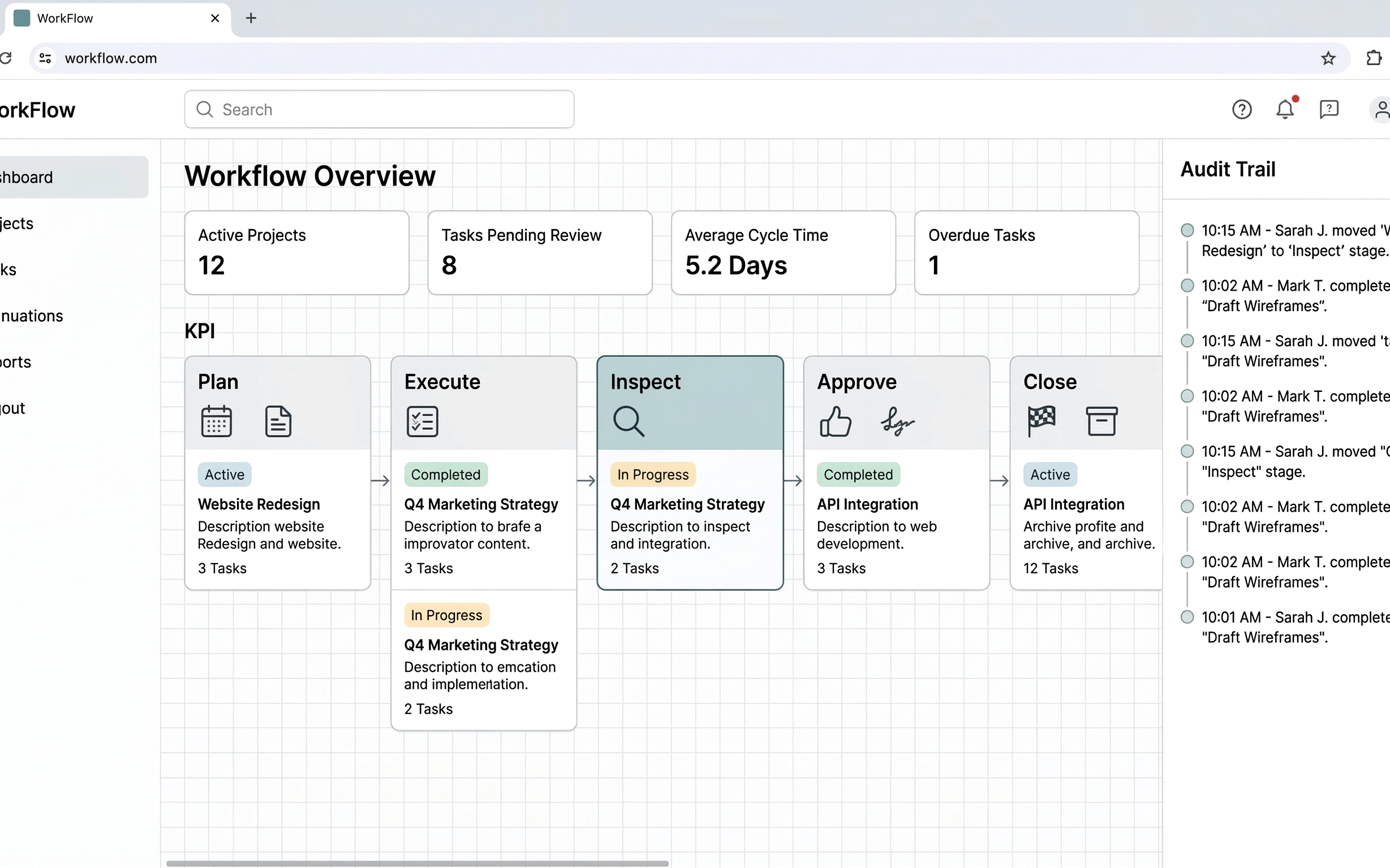
- Delivery workflow digitization and risk control
- O&M inspection with closed-loop quality management
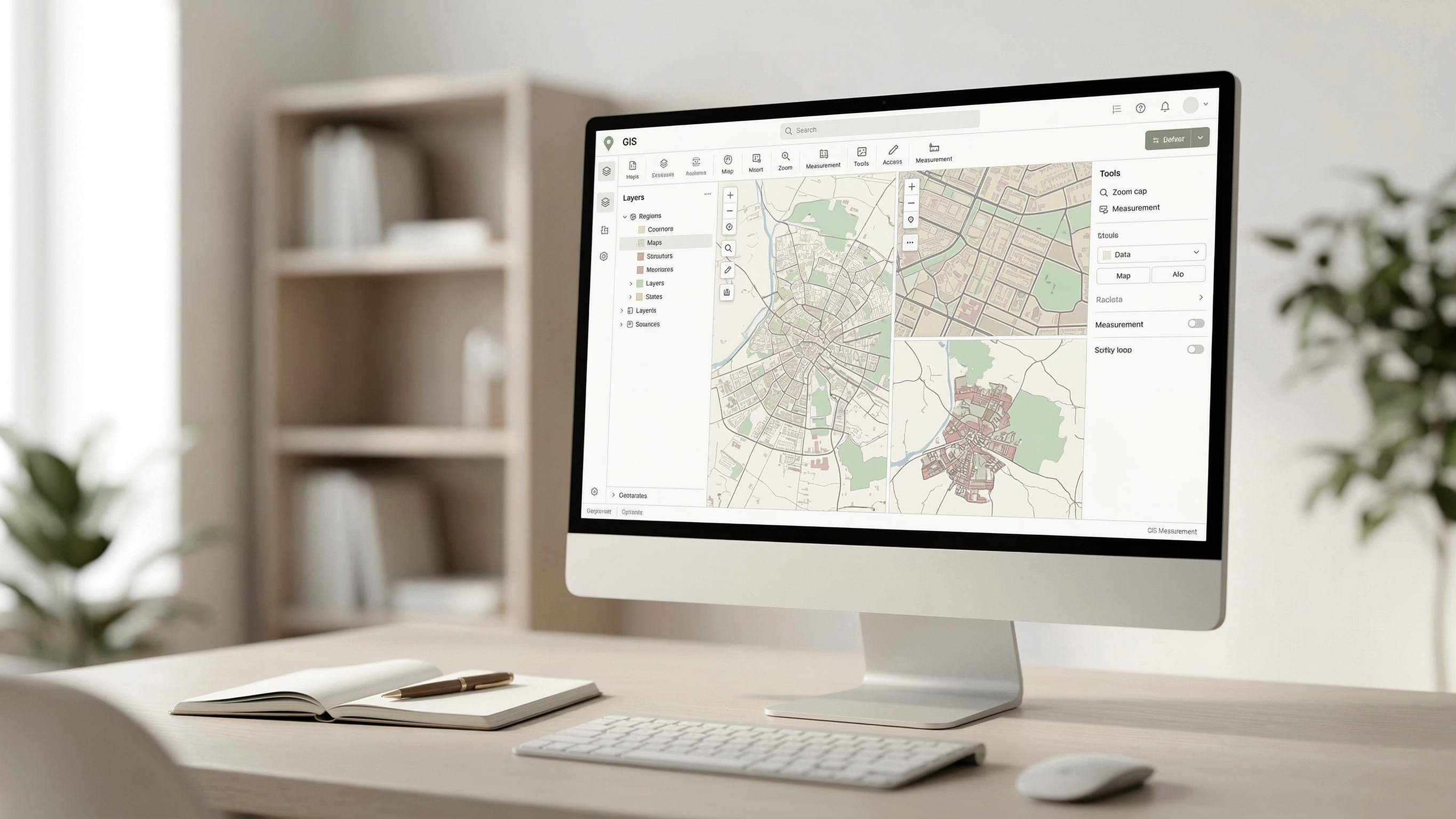
- GIS-enabled engineering collaboration
- Agents and knowledge retrieval for fast execution
Nine products. One delivery stack.
We lead with the platforms that frame the sales conversation, then show the execution and inspection products that complete the operating model.
Most customer conversations start with three questions: how delivery is governed, how engineering collaboration is coordinated, and how teams get faster operational guidance. The matrix below is ordered around those entry points so visitors can orient quickly instead of scanning nine equally weighted cards.
The three products that anchor most first conversations.
These are the clearest starting points for overseas customers evaluating strategic fit: AI-enabled operations, controlled delivery execution, and GIS-led engineering coordination.
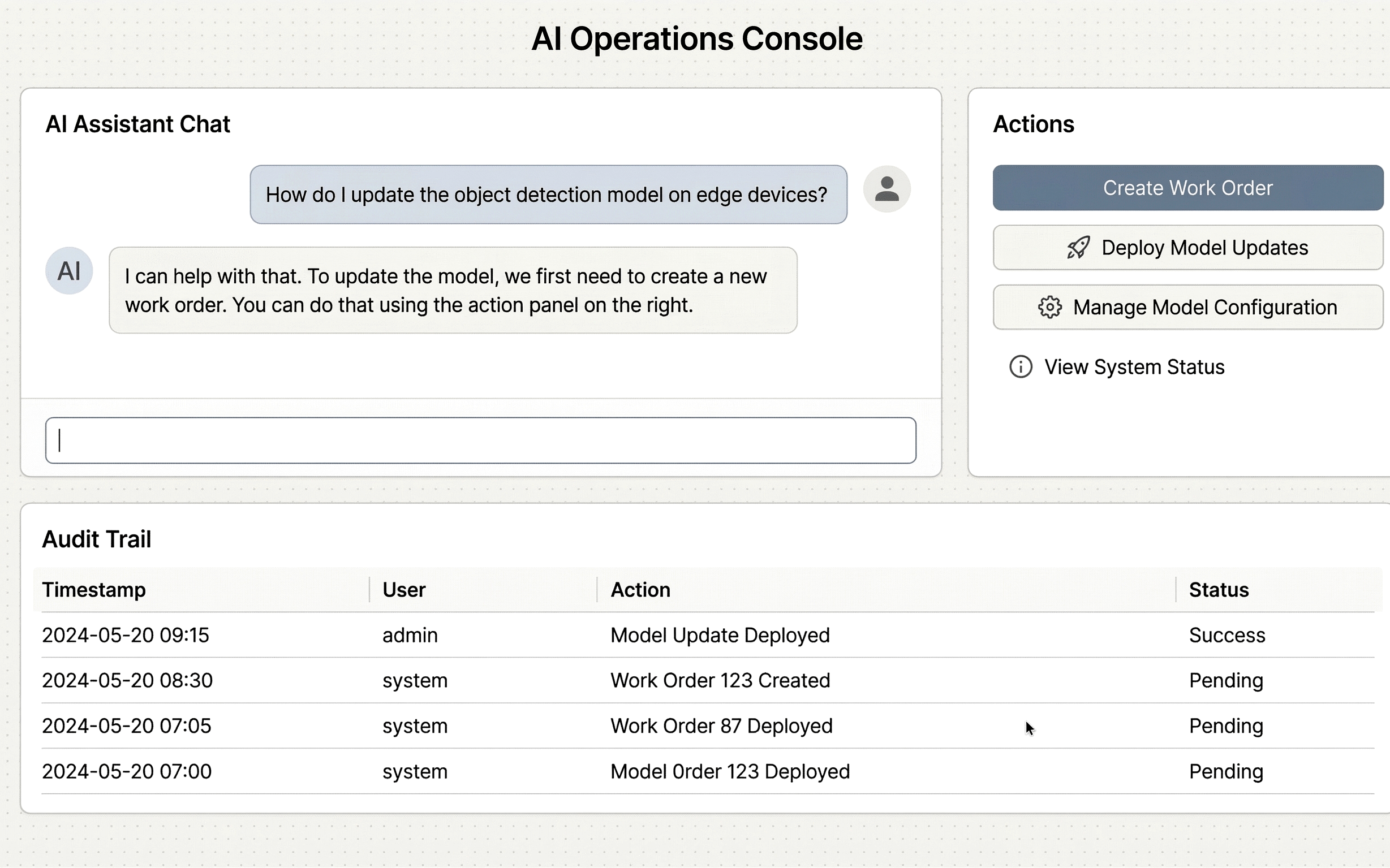
AiTS
Knowledge and action engine for O&M operations.
- Knowledge Q&A with citations
- Agent task planning and orchestration
- Ask-your-data insights from uploads
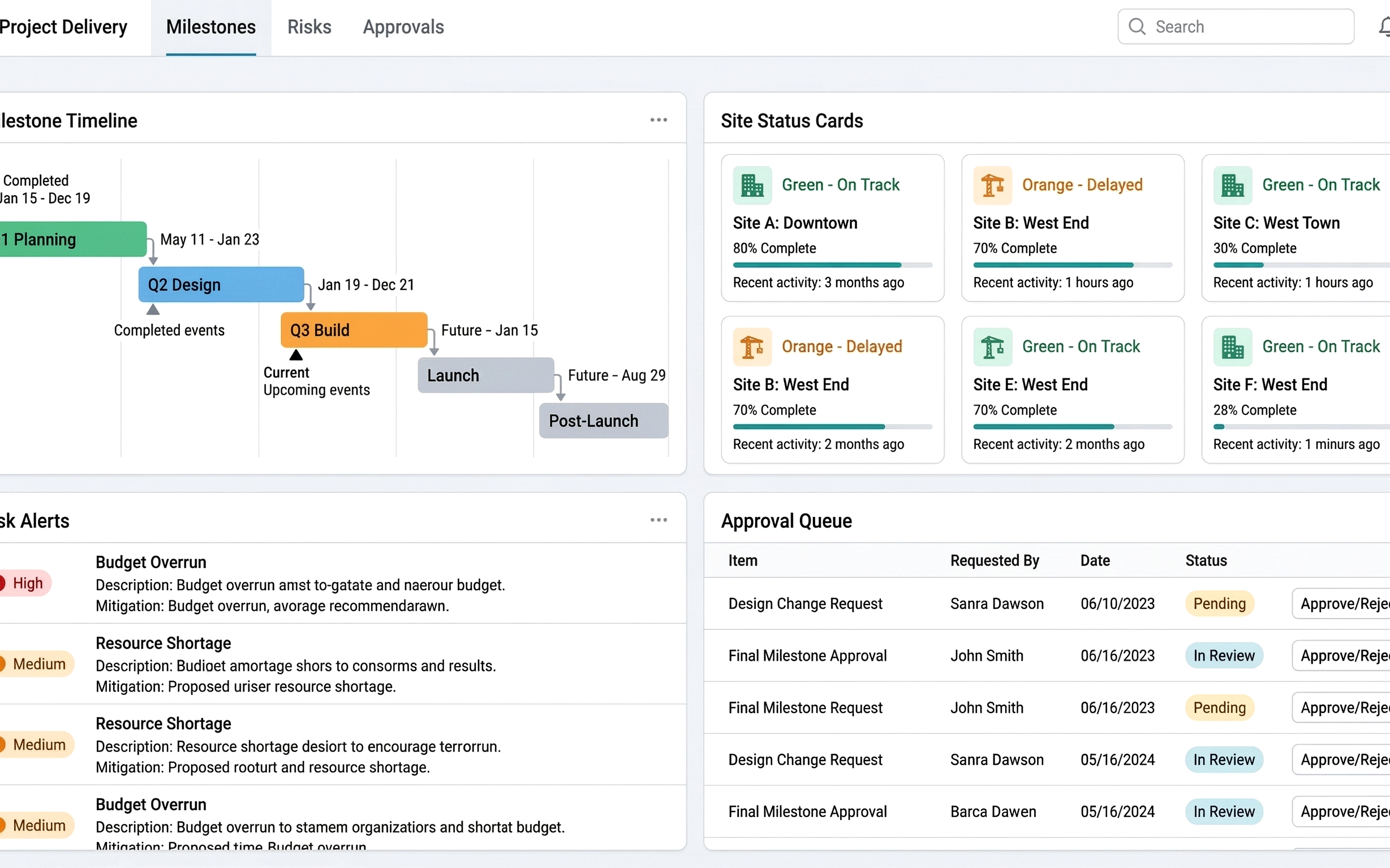
FDDP
End-to-end delivery digitization with strict risk control.
- “No PO, No Work” enforcement
- Workflow sequencing and deliverable approvals
- Multi-country project coverage
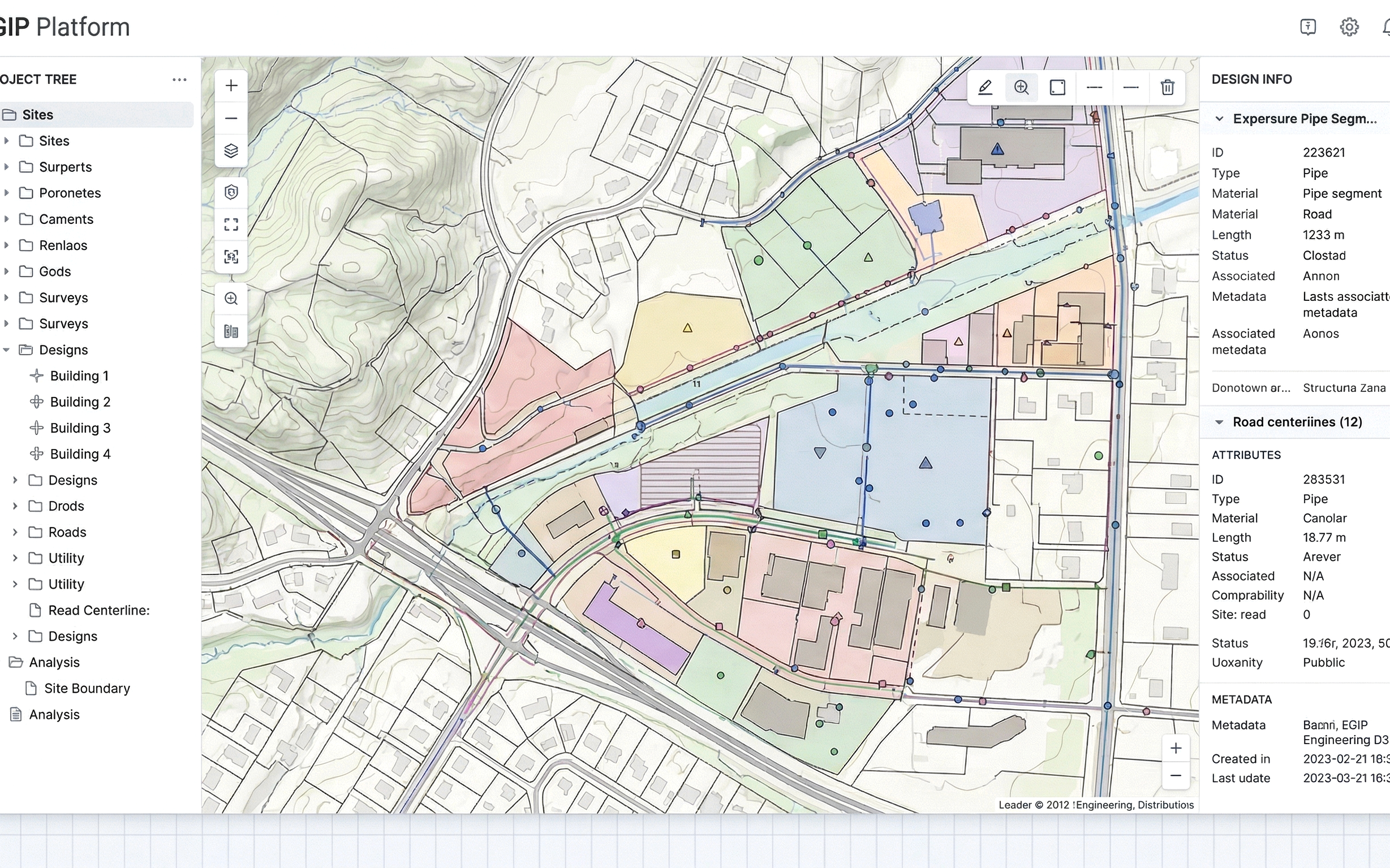
EGIP
GIS-driven engineering coordination from design to delivery.
- QGIS integration and resource layers
- Multi-terminal sync (PC/Web/Mobile)
- Unified project-site-design management
Operational modules for field teams, external partners, and quality control.
Once the core platform fit is clear, these products show how day-to-day field execution, work-order collaboration, and governance controls are carried through in practice.
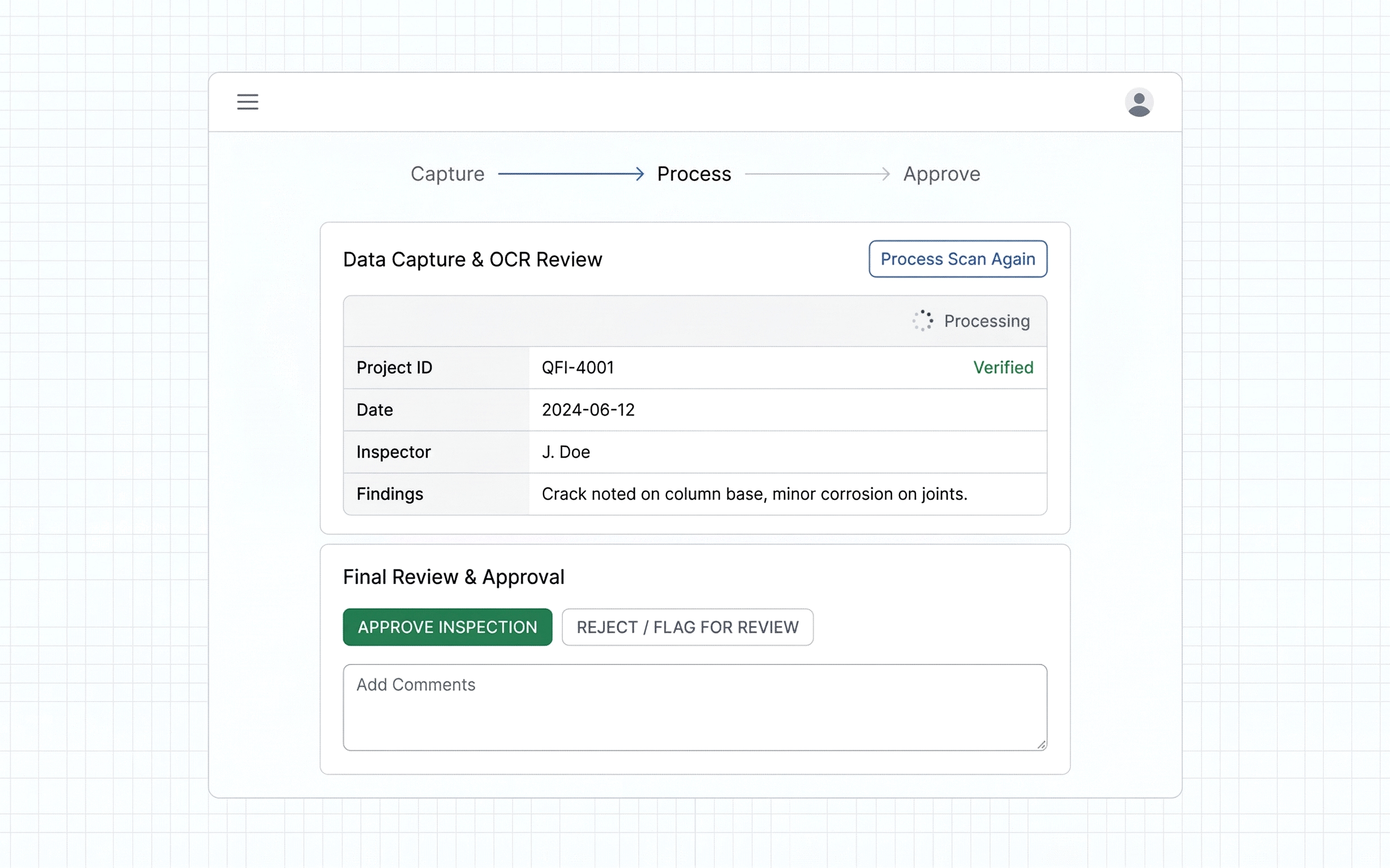
QMD
Field quality management with digital traceability.
- Web + App with approvals
- OCR and image recognition for field data
- High accuracy data capture
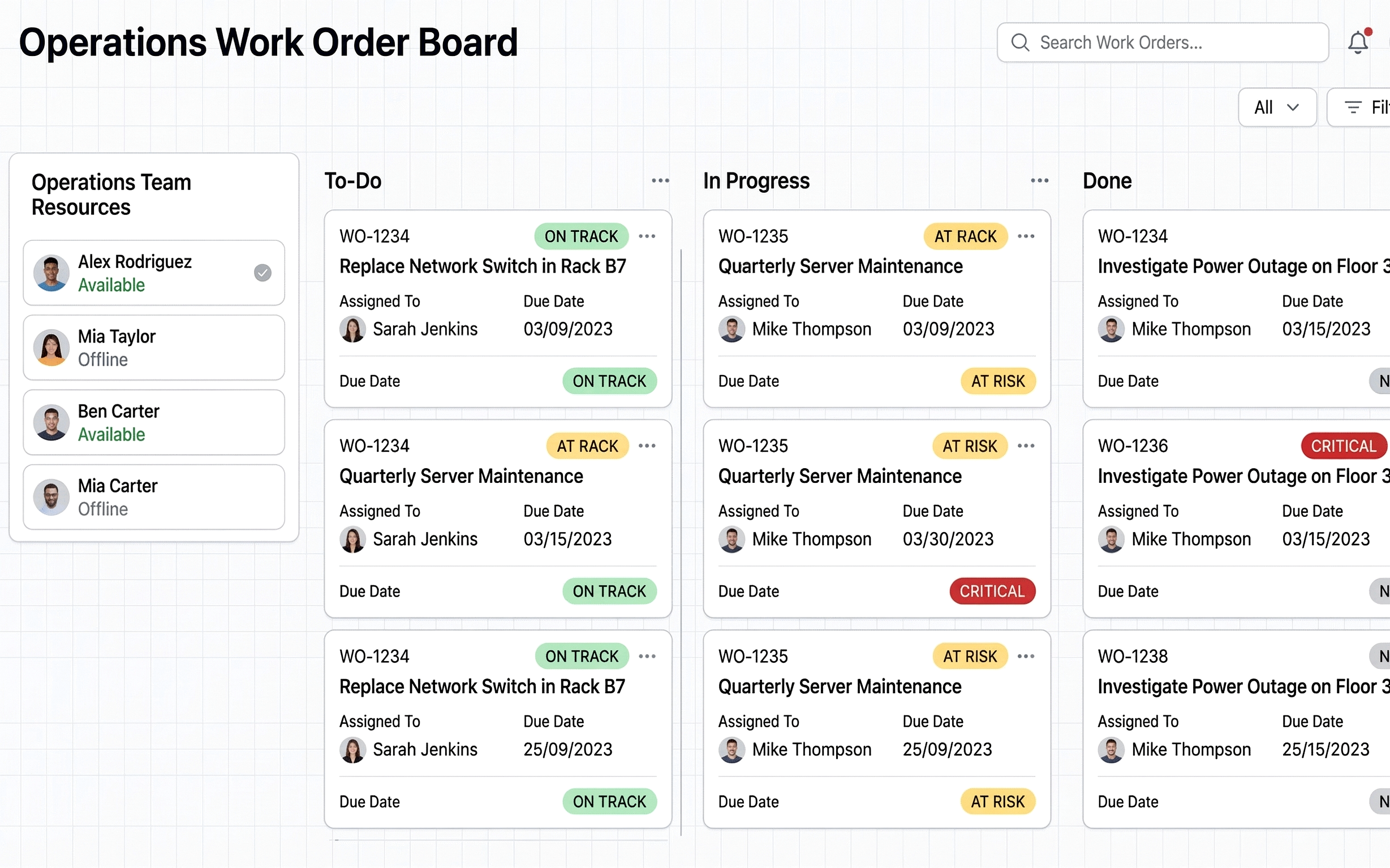
A2SO+
Work-order and resource collaboration for external teams.
- Configurable workflows
- End-to-end visibility of prep, execution, and analysis
- Multi-device access
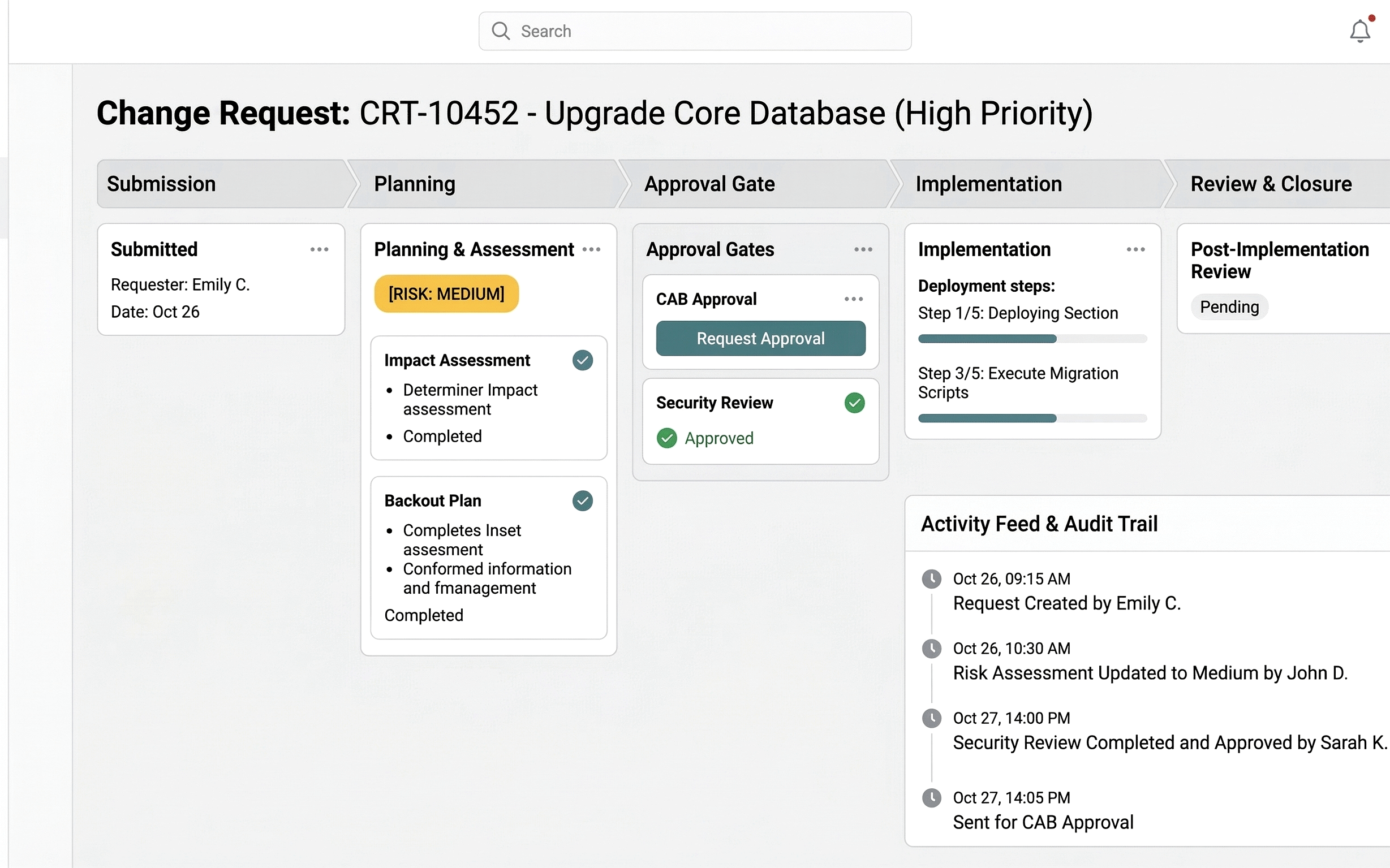
QMO
Quality control for change and work-order closure.
- Full lifecycle change management
- ITR issue closure and inspection linkage
- Dispatch, review, execution, and closure online
Specialized inspection products for network-specific operations.
These products are narrower by design. They are best introduced after the visitor understands the broader operating model, then matched to OTN, SDH, or OLT inspection needs.
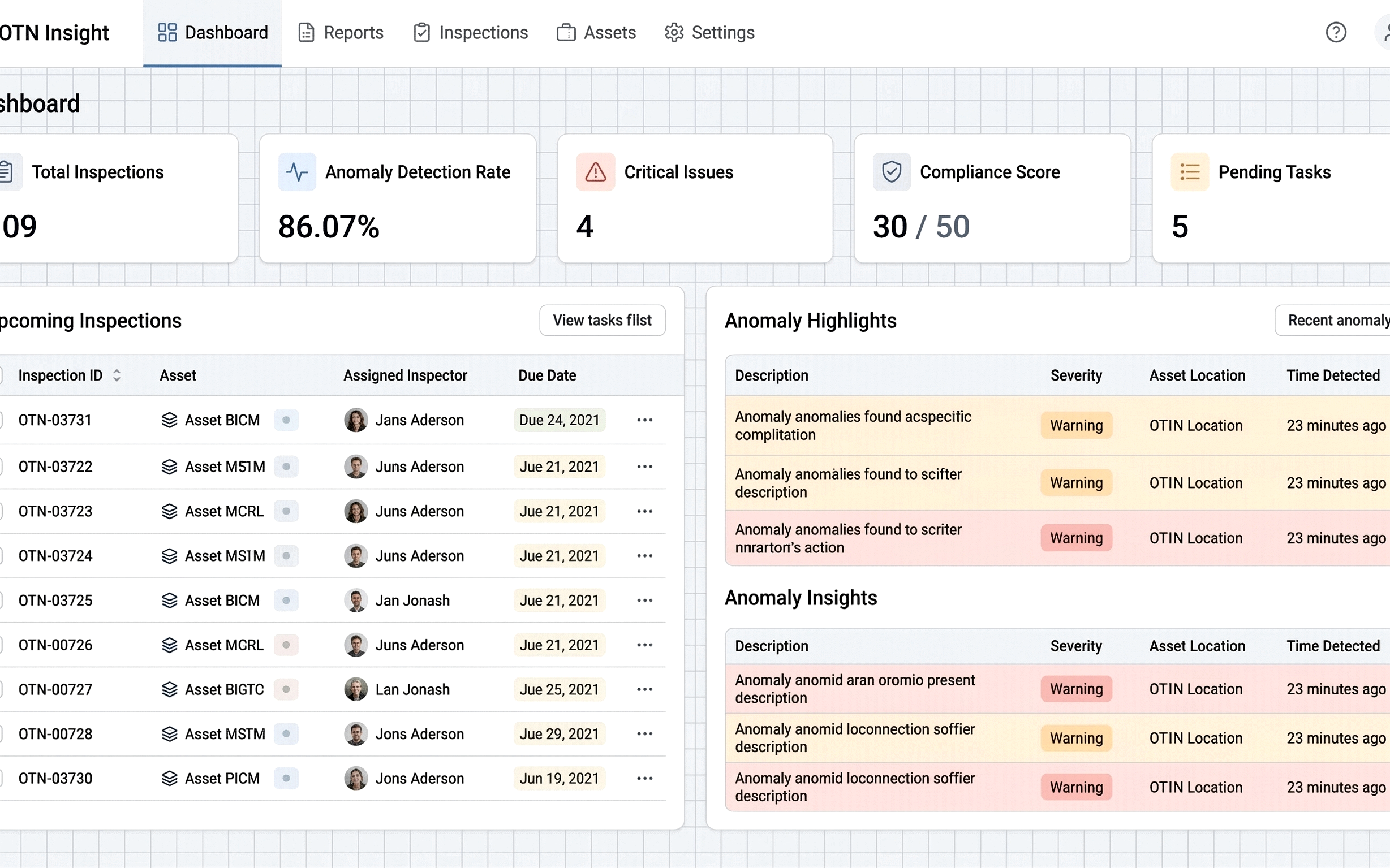
OTN Insight
Automated OTN inspection at scale.
- 9 dimensions, 60 inspection items
- Dramatic efficiency gains
- Templates, schedules, and export
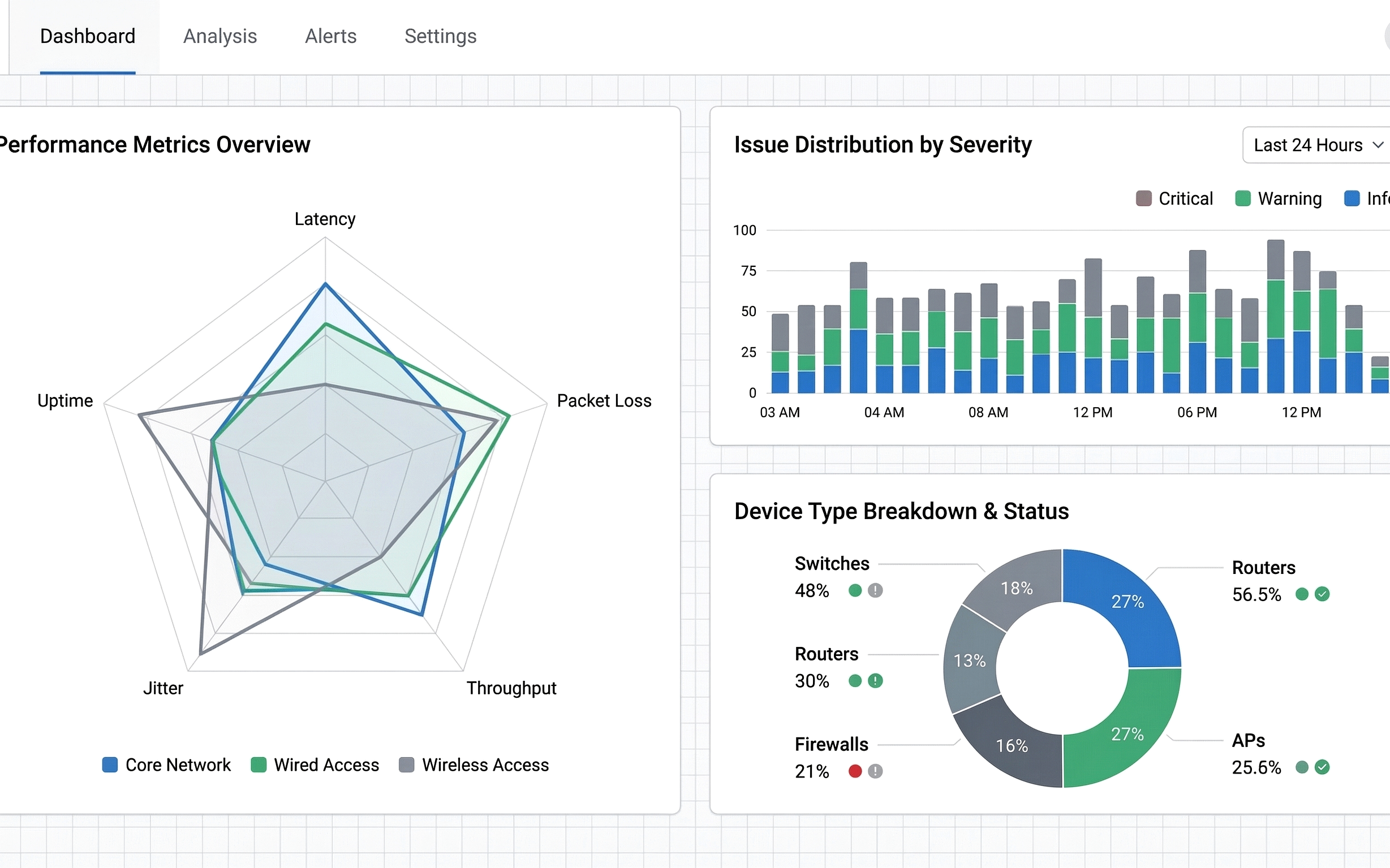
SDH Insight
Deep inspection and health analysis for SDH networks.
- 23 inspection items across device and network levels
- Custom templates and multi-NMS inspection
- Visualization and analysis summaries
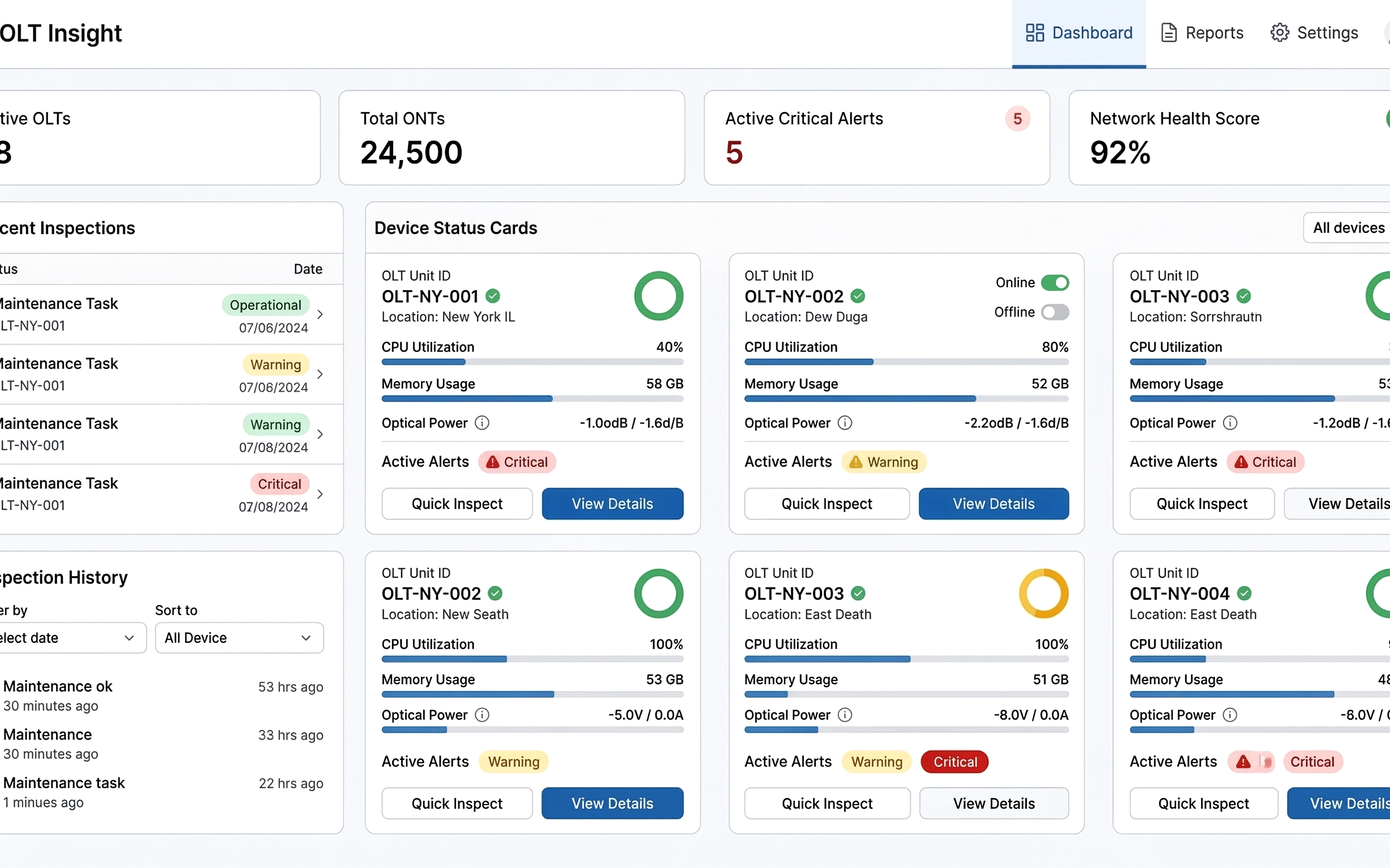
OLT Insight
OLT inspection, upgrade, and toolset in one console.
- 134 inspection items across system dimensions
- Upgrade modules and common tools
- Unified inspection + upgrade workflows
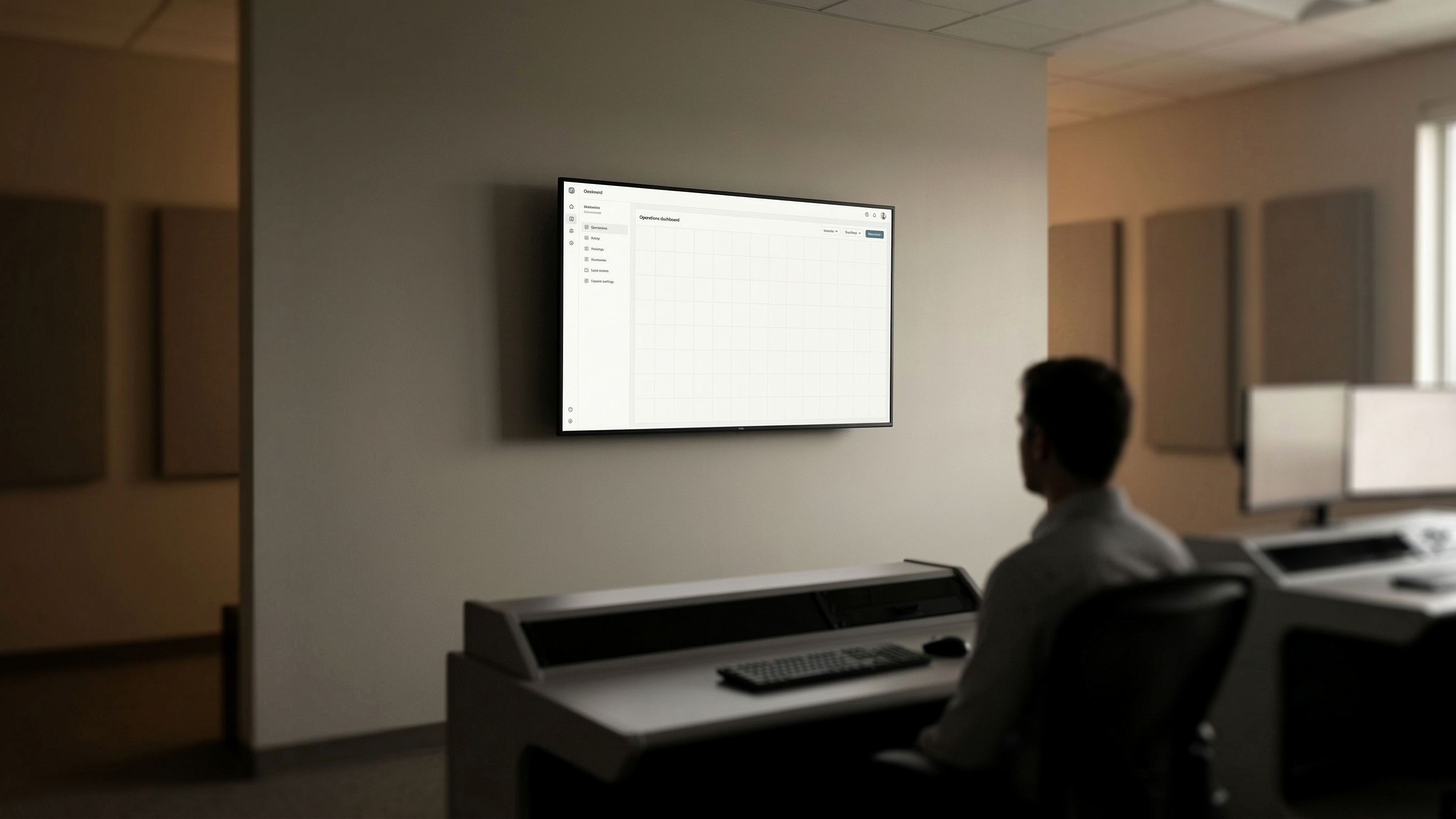
Grounded in real delivery environments.
Field, office, and control-room contexts aligned with the operational UI.


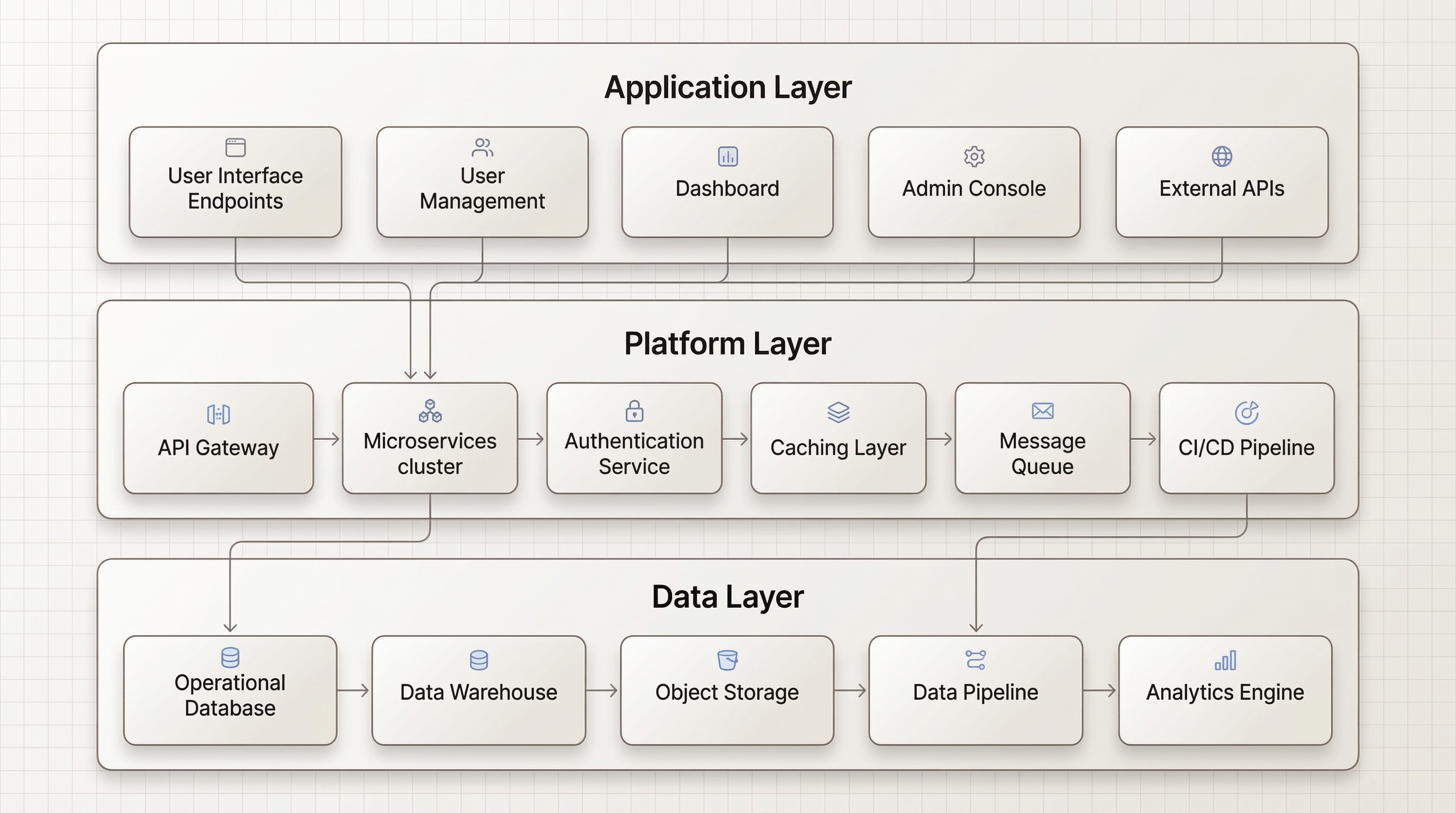
Three layers. One operating model.
Data, platform, and applications remain aligned to ensure traceability across delivery and O&M.
Built for scale and accountability.
Evidence from delivery, inspection, and network operations programs.
What can we help you with?
Describe your delivery or O&M scenario. We can map the right products and connect you with a product manager.